The Ultimate Guide to Launching a Successful Google Ads Campaign
People are searching for your service right now. Google Ads puts your business in front of high-intent buyers at the exact moment they're looking — instead of interrupting people who aren't.
Whether you're a local service business, an e-commerce store, or a B2B provider, Google Ads can deliver measurable leads within days — not months like organic SEO.

Does Google Ads Work for My Business?
If you need customers, the short answer is yes — but before spending a dollar, answer three critical questions:
Is There Demand?
Check whether companies offering the same service are already running campaigns. Competitors advertising is a positive signal — it means there's profitable demand. Use Google's Keyword Planner to verify search volume for your core services.
Can You Compete?
Google Ads is an auction — higher competition means higher cost-per-click. You don't need to outspend everyone, but you need room to test: roughly $200–$500/month for local campaigns, $1,000+ for competitive national markets.
Ready to Keep Learning?
Google Ads is not "set it and forget it." You'll monitor performance, test ad copy, adjust bids, and refine targeting. If you can't invest the time — or hire an expert — your results will suffer.
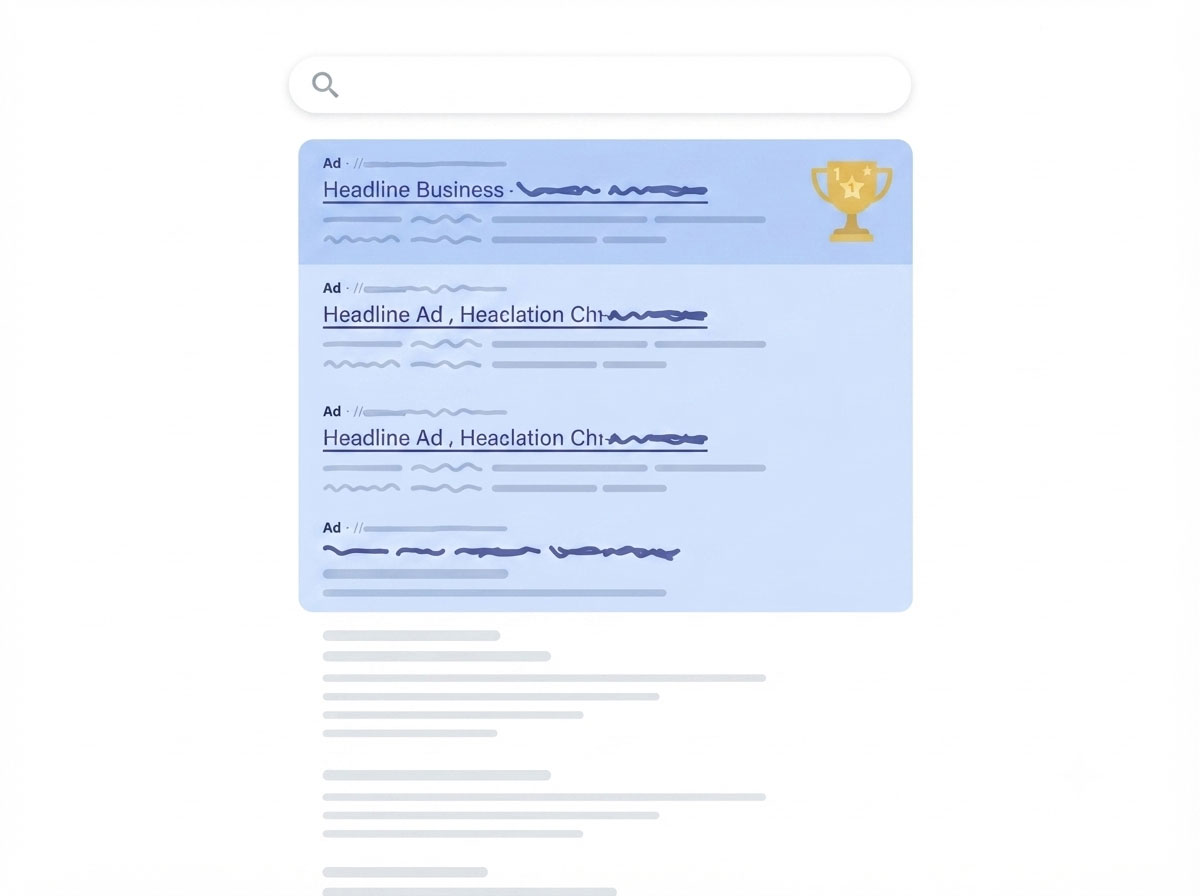
How Google Decides Who's On Top
Google shows up to four ads at the top of the results page, then organic results, then more ads at the bottom. Those top spots are won by Ad Rank — not seniority. Ad Rank combines:
- Your bid — how much you're willing to pay per click
- Quality Score — ad relevance, landing page experience, and expected click-through rate
- Ad extensions — phone numbers, site links, locations
A brand-new advertiser with a well-optimized campaign can outrank a long-time advertiser with poor quality scores.
The reality of starting out: the first weeks can feel hard, and you may spend more while learning what works. That's normal. Treat your first 30–60 days as a testing phase, not a profit phase — you're buying the data that makes the campaign profitable later.
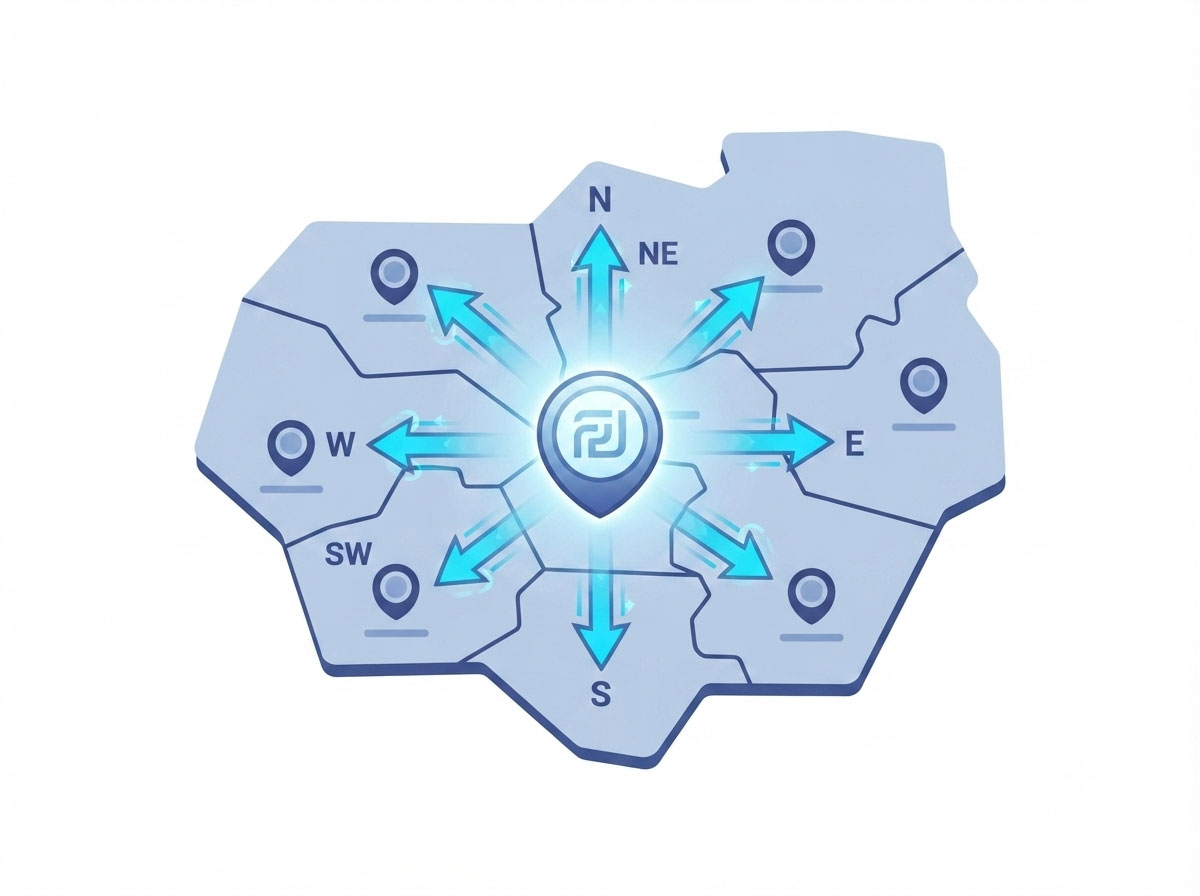
Start With One City. Then Scale.
If you serve multiple cities or regions, test your campaign in a single city first — it's the most capital-efficient way to learn:
- Lower risk — you're not burning budget across markets while you figure out what works
- Faster learning — concentrated data lets you isolate variables and optimize quickly
- Clear benchmarks — proven cost-per-lead and conversion rates give you a predictable formula to scale with
Once your test city hits target ROI, expand one market at a time, adjusting bids and messaging for local nuances.
Keywords In. Junk Traffic Out.
Success comes down to how you select your search keywords — and just as important, your negative keywords.
Search Keywords: The Foundation
Your keywords decide when your ads appear. A well-researched list includes:
- High-intent keywords — "emergency plumber near me"
- Long-tail keywords — "24-hour HVAC repair Cincinnati"
- Branded keywords — terms that include your business name
Negative Keywords: The Unsung Hero
Negative keywords block irrelevant searches, saving budget and lifting click-through rate. Common categories to exclude:
- Free / discount terms — "cheap," "coupon"
- Job seekers — "salary," "career," "hiring"
- Out-of-scope — "DIY," "repair yourself"
- Locations you don't serve
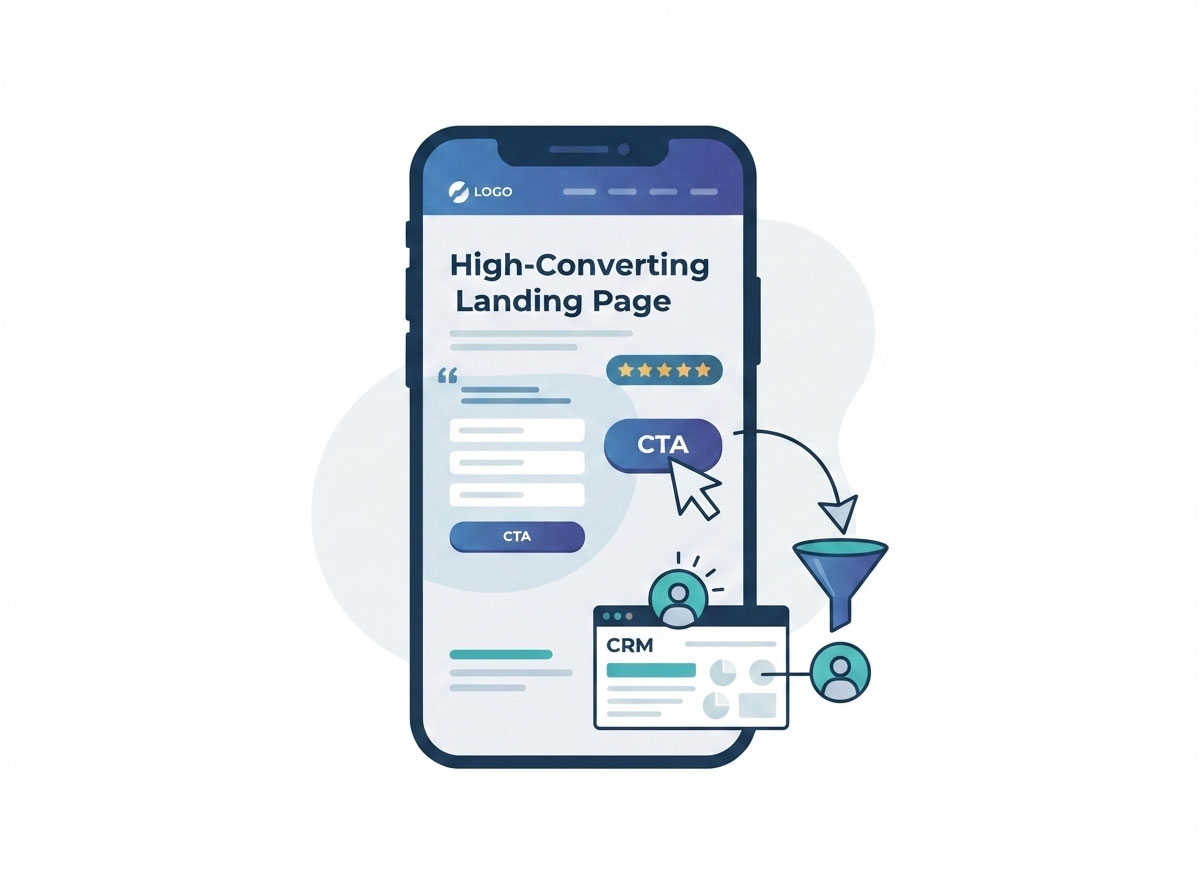
A Click Is Not a Lead
Visitors who click may still be shopping around. Your landing page is the true game-changer: the ad gets the click — the landing page gets the lead. It also feeds your Quality Score: a slow, unhelpful page raises your cost per click.
Build a dedicated landing page per campaign or ad group — a generic homepage rarely converts as well as a page built for a single offer.
| Element | Why it's important |
|---|---|
| Clear headline | Matches the ad's promise — no bait-and-switch |
| Strong call-to-action | Tell visitors exactly what to do (e.g., "Get a Free Quote") |
| Trust signals | Reviews, testimonials, badges, and guarantees |
| Mobile responsiveness | Most clicks come from mobile devices |
| Fast load speed | Every second of delay reduces conversions by 7% |
| Simple form | Ask only for essentials — name, phone, email |
Quick Start Checklist
Ready to Turn Searches Into Customers?
Google Ads rewards patience, strategy, and continuous refinement. Start small, test aggressively, scale what works — or let UpRank build and manage the campaign for you.